Today’s essential question: What are some characteristics of good images for this digital collage project? How can I pick better images?
Examples of “good” object photos that will work well in this collage project:
Check out these examples from one of my other classes. Notice the following things:
- Photos are all taken from the same angle (directly above the object)
- Objects have similar shape
- Objects have a similar theme
- Objects have been separated out


Comparing “good” versus “bad” object photos
Now let’s compare some “good” versus “bad” images (in terms of what will work for this project:

Bad: Cartoon

Good: Photo

Bad: lots of images overlapping one another

Good: Individual objects separated out

Image is too complex and makes an awkward collage when repeated
Check the comments I have left on last class’s assignment. Many of you will need to either pick new images, or make some changes to your existing images, such as separating out each object.
Today we will:
- Finalize the images we are using in our collage by:
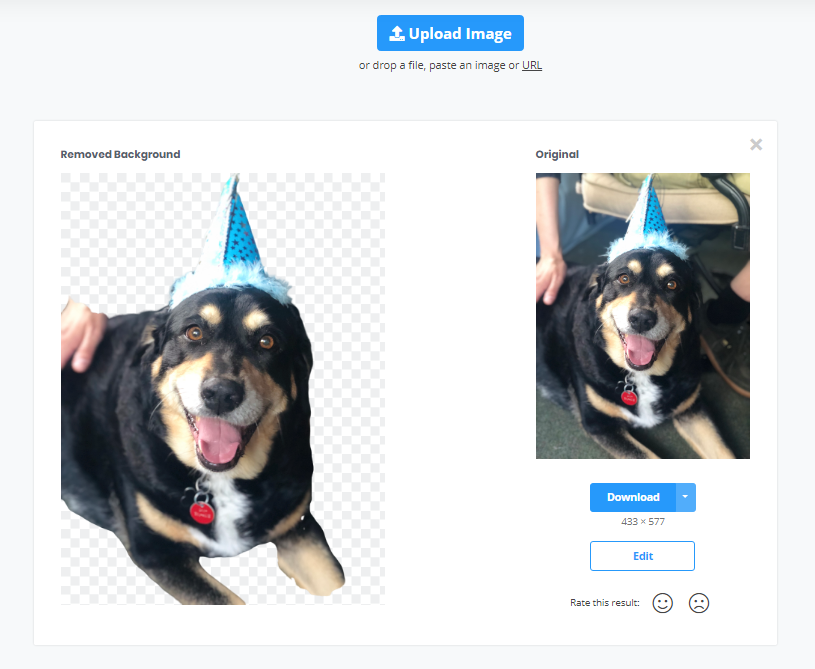
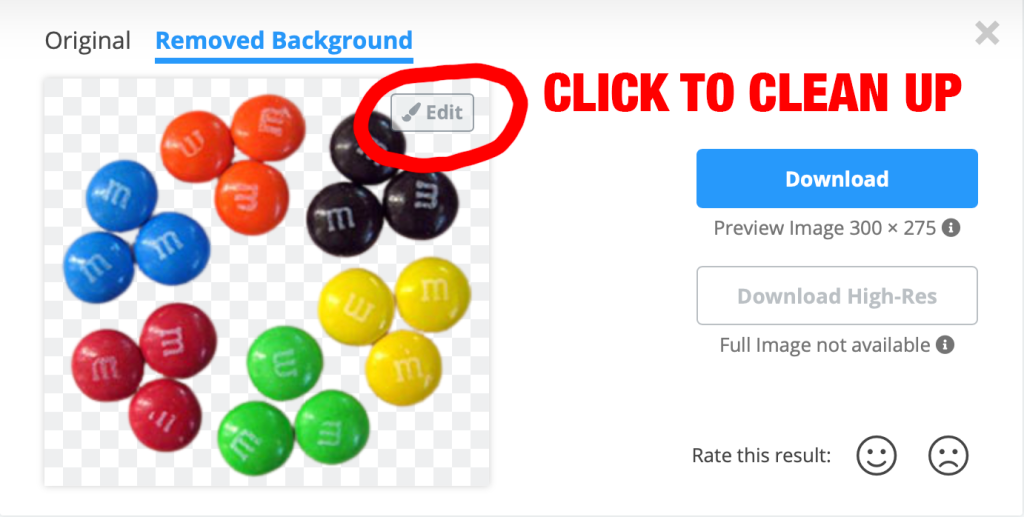
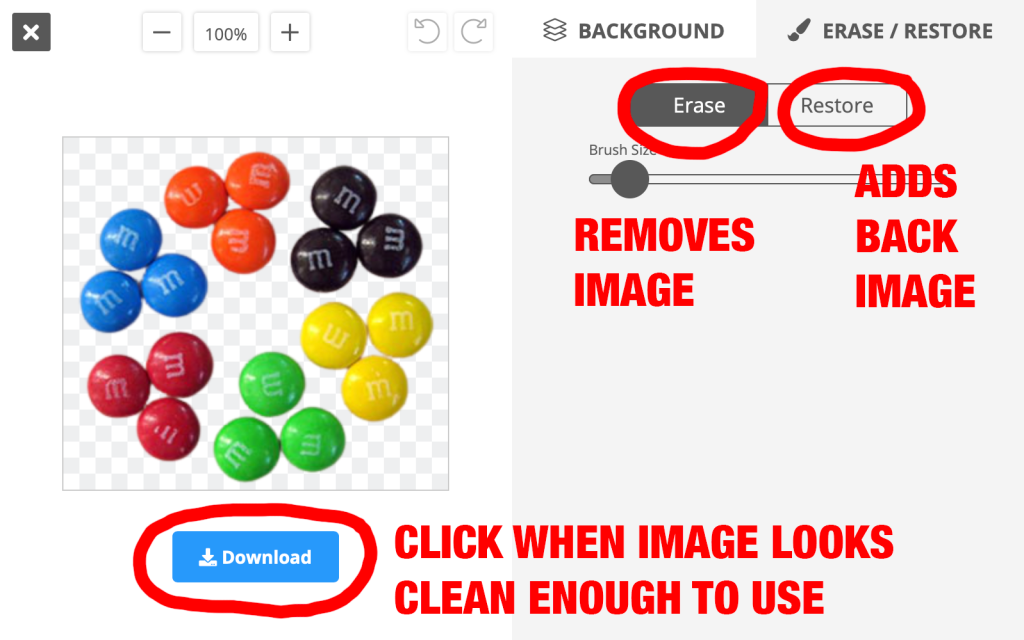
- picking new images (if necessary) and removing the backgrounds
- separating out images (if necessary)
- Post today’s work to our blogs





 and trace over your graphic. You can change the color by clicking on the box on the bottom left of the screen, just like in Photoshop. (To make a line you will need to draw a very thin shape.)


 SOTA Foundations 2